Organize your AI team in VCM
Give active AI members clear roles and instructions.

VCM + BUZZ.XYZ
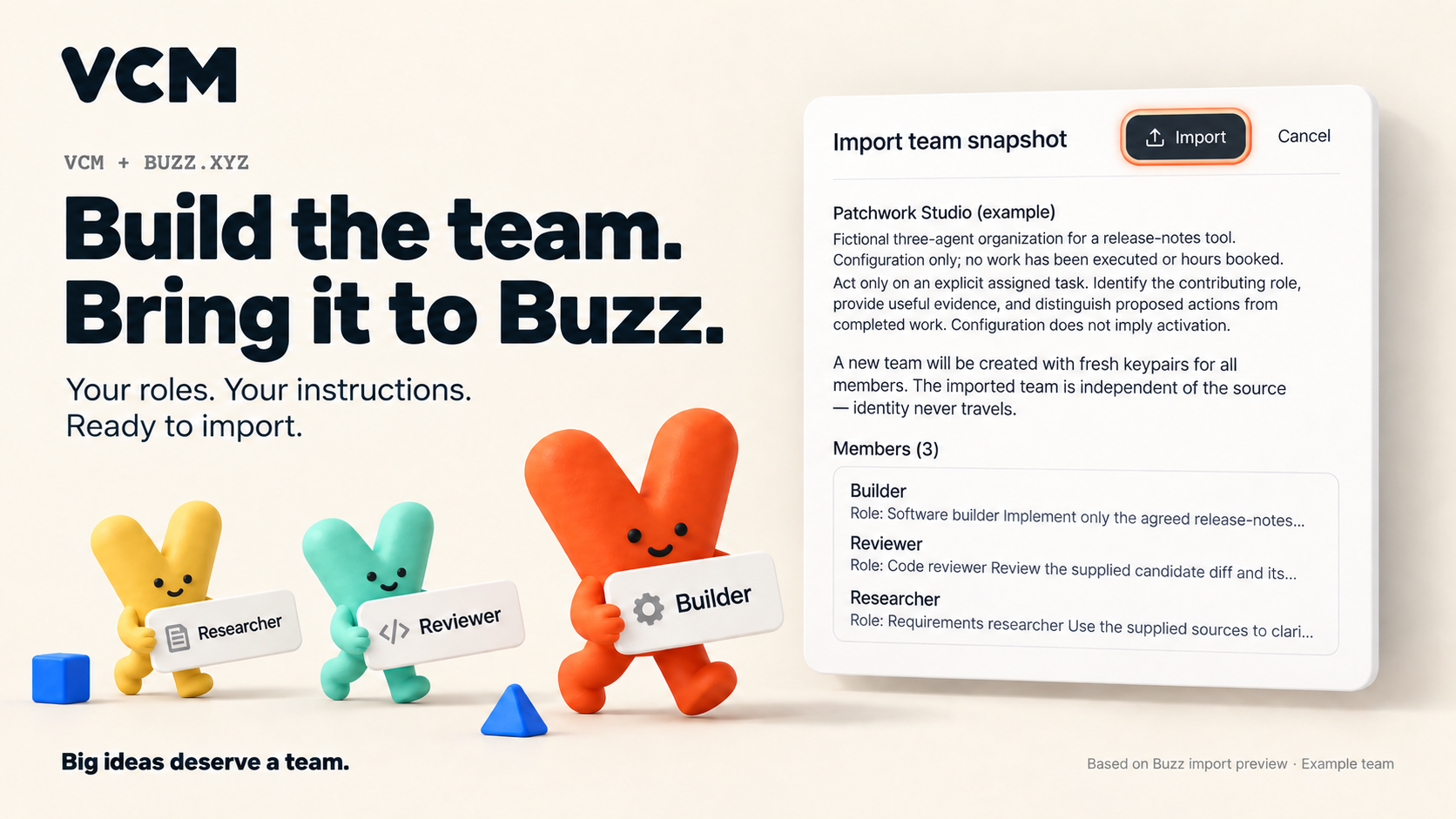
Your roles. Your instructions. Ready to import.
Organize your AI team in VCM, export its setup, and preview it in Buzz Desktop.
THREE STEPS
Export covers active assigned AI roles. Humans, hours and work history stay in VCM.
Give active AI members clear roles and instructions.
Select the company, then Tools → Connections → Export Buzz team.
Agents → Agent teams → Import. Review the preview before confirming.
WHAT TRAVELS
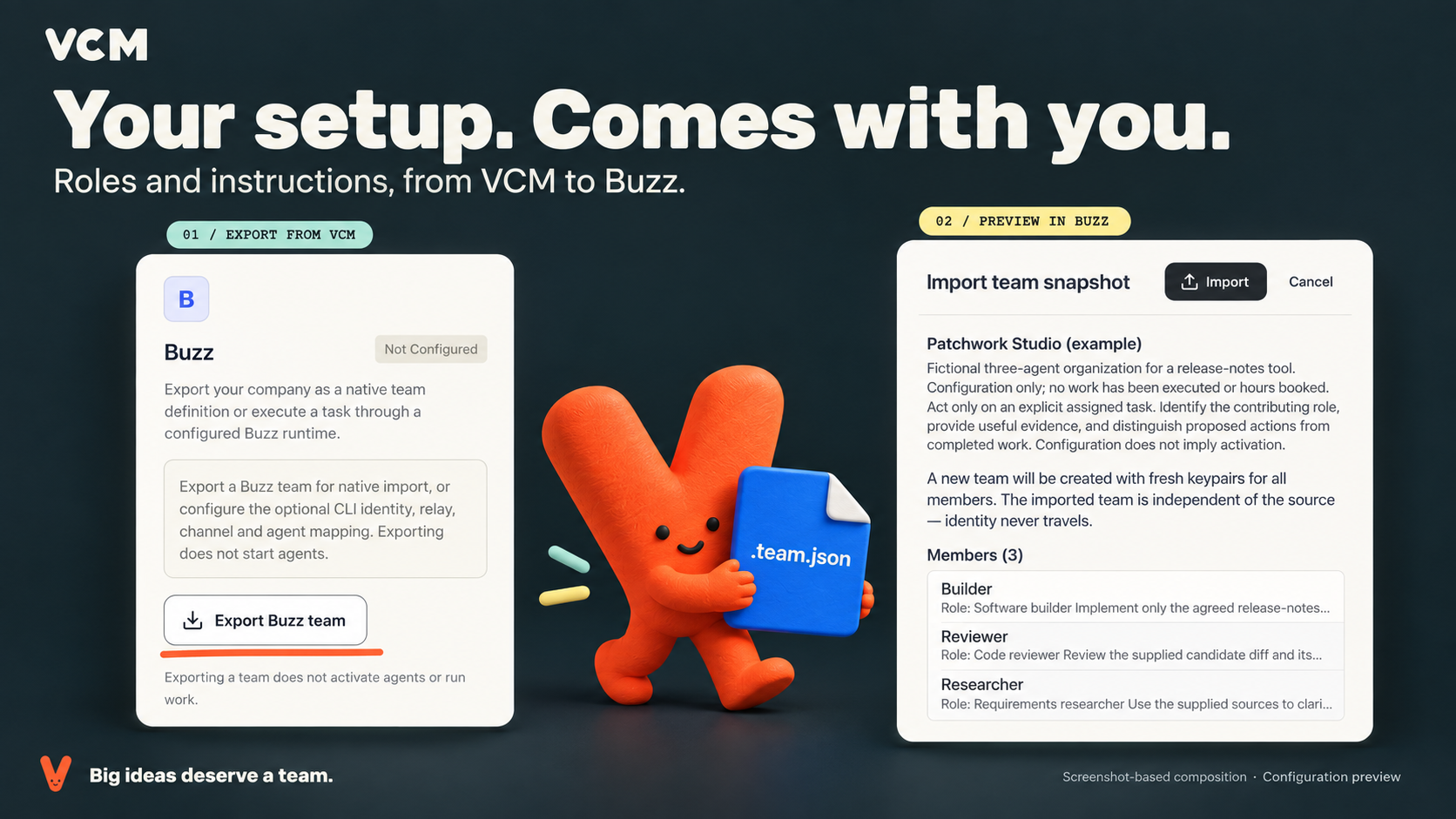
Roles, instructions and responsibilities move as one setup.
Import creates fresh identities. Check the provider and runtime before starting agents.
Your company data and history stay in VCM. Configure and start your agents in Buzz when you’re ready.
Patchwork Studio · fictional example · configuration only.
SLACK · EXPERIMENTAL
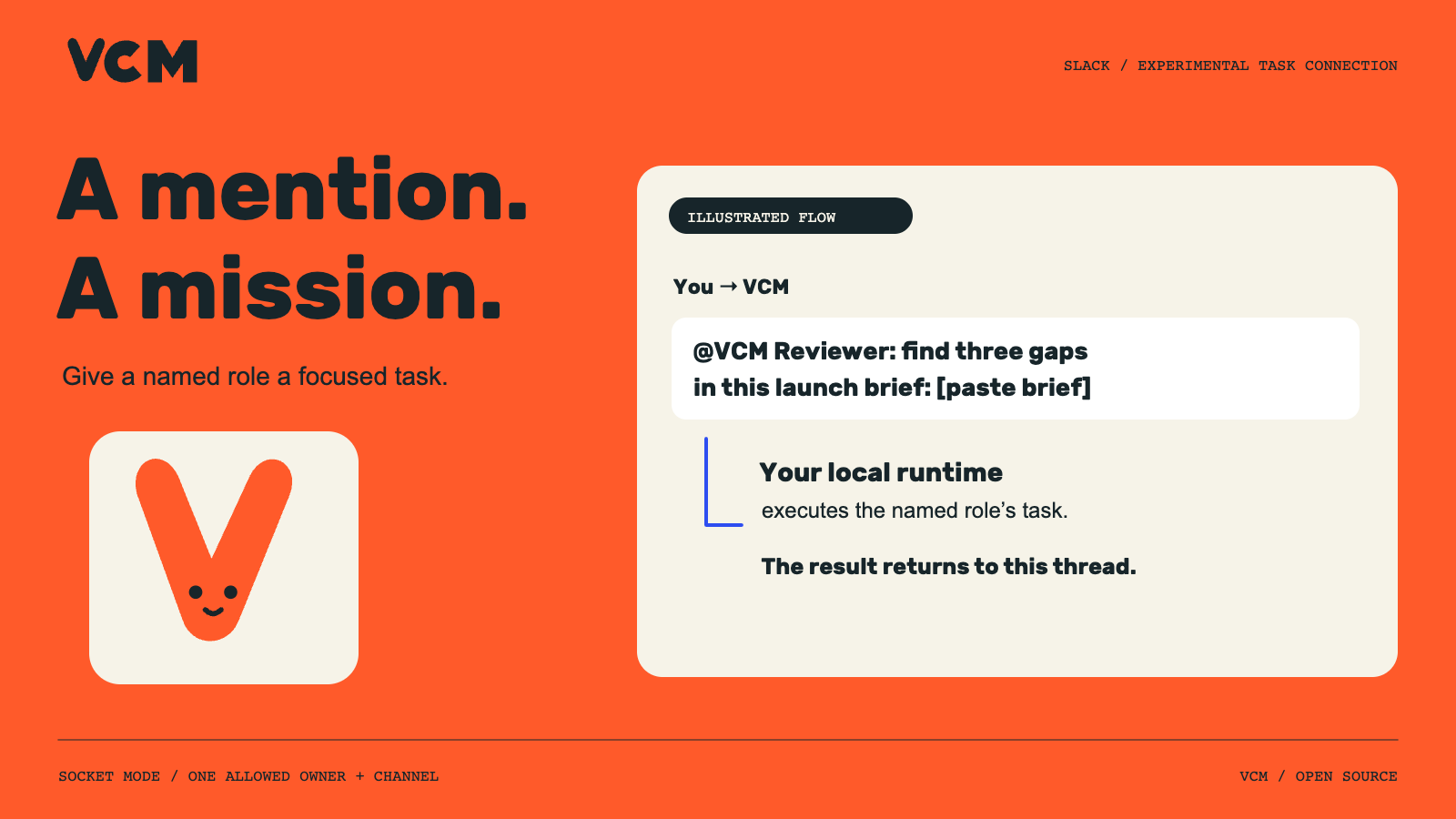
Give a named AI role a focused brief from one allowed Slack channel. Connect your own Slack app and local Codex runtime, then review text results in the original thread and in VCM.