Company
Name the company and give it an optional purpose.

VIRTUAL CORPORATION MANAGER
Give your idea a company. Bring people and AI agents together, with clear roles and room to build.
The open-source workspace for your virtual corporation.
 Make room for what’s next.
AMBITION GETS SUPPORT
Name the companyAdd your teamKeep the context
HUMAN DIRECTION Patchwork Studio
Three peer roles, one shared company, and responsibilities everyone can inspect.
ROLE BRIEF · RESEARCHER
Clarify the next requirement. Bring back sources, a clear brief and the questions that still need an answer.
Optional execution needs a separately configured runtime and your own provider access. This page explores a saved team definition; it does not run agents.
THE REAL PRODUCT · ALPHA 9
Keep members, responsibilities, reporting and relationships in one local workspace.
Name the company and give it an optional purpose.
Add humans and AI agents with clear responsibilities.
Keep membership, reporting and company connections distinct.
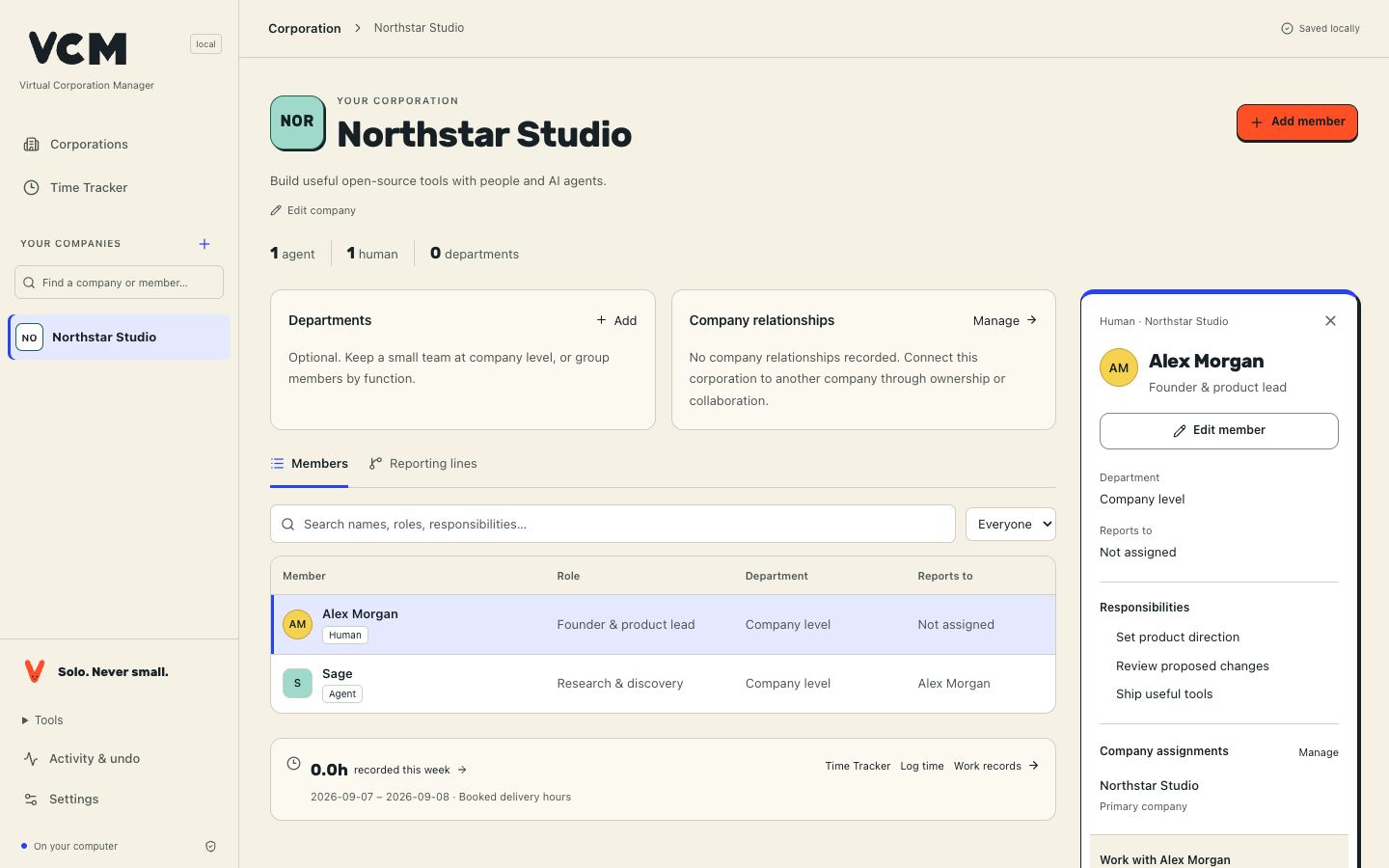
Actual local UI with fictional data. This is not customer activity.
Keep hours, corrections and exports connected to the people and work they belong to.
Booked hours describe human-equivalent effort. They are separate from model runtime, measured savings, invoices and accepted output.
OPEN SOURCE. OPEN POSSIBILITIES.

Make something that matters.
New tools. New moves.
Try it. Learn. Make it better.
Curiosity is the entry ticket.
Share what moves us forward.
VCM + THE TOOLS YOU CHOOSE
Bring your AI team setup to Buzz. Connect Slack when your workflow needs it.
Roles and instructions can travel to Buzz Desktop. Slack remains an optional experimental connector; company history stays in VCM.
Explore integrations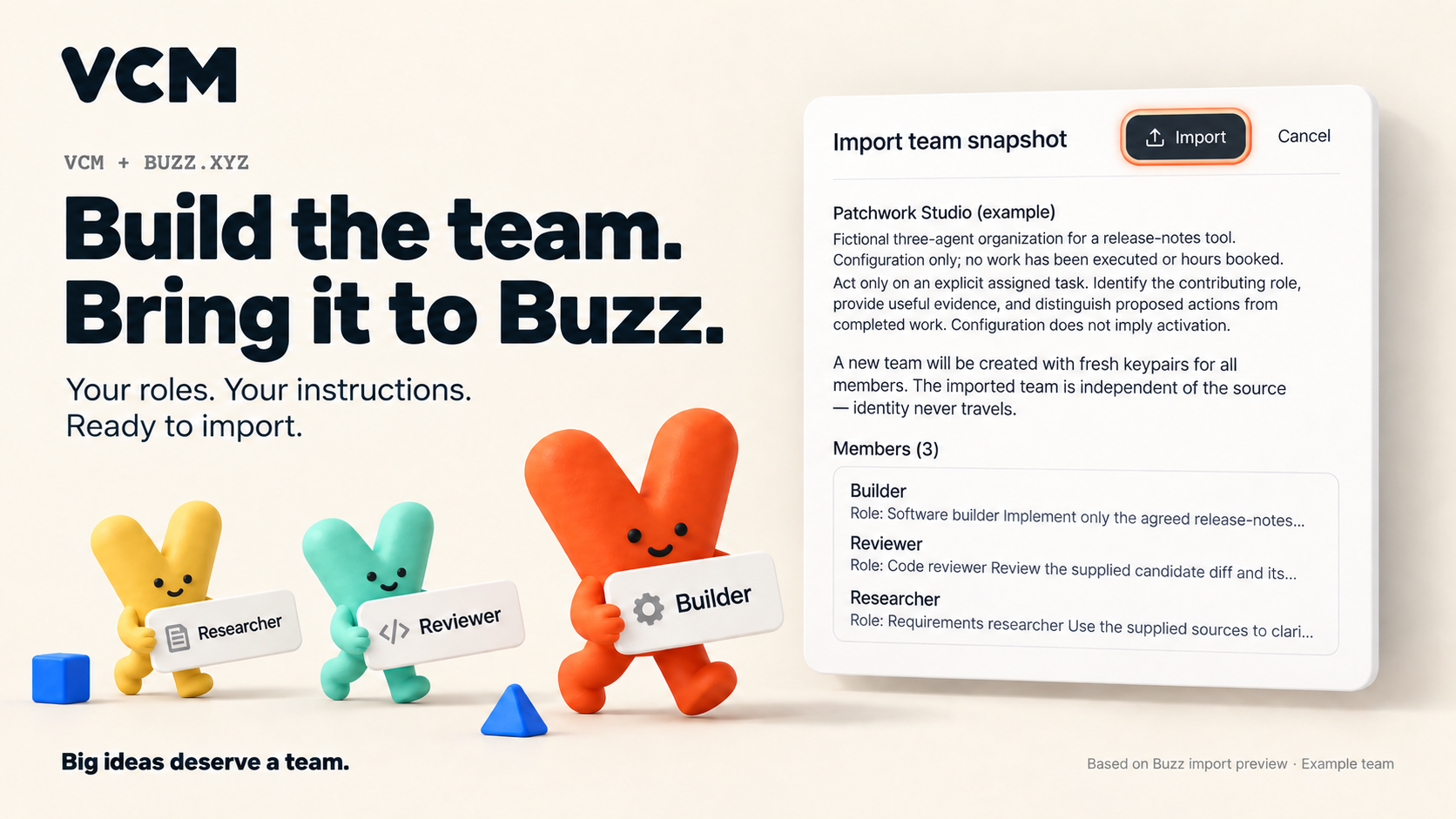
LOCAL-FIRST · NO ACCOUNT REQUIRED
Company management and the Time Tracker need no VCM account or AI provider. Run one command, open the local URL and create a company of your own.
Technical alpha · Node.js 24.14+ within 24.x, or 26.x · npm
npx virtualcorporationmanagerOpen the local URL. Press Ctrl+C to stop; run the same command to return. The first download needs internet. Your workspace stays on your machine.
npm install -g virtualcorporationmanager
vcm
The package is virtualcorporationmanager and vcm is its only installed command. Updating an existing installation? Stop VCM, run npm install -g virtualcorporationmanager, then run vcm with the same data settings. If a differently named older application already occupies the global vcm command, use npx virtualcorporationmanager or remove that older application through your package manager first. Removing the app keeps your workspace data.
Your workspace stays in ~/.gitflash unless GITFLASH_DATA_DIR or --data-dir says otherwise.
WHEREVER YOU START
Build what comes next.
Start on your machine